Case Study · Salesforce
Making the Complex Feel Simple
Product Education · Content Design · Multimedia Storytelling
Transforming complicated software concepts into approachable, useful learning experiences for customers.
Project overview
Product education, demos, learning resources, and customer content developed across Salesforce for Education, Salesforce for Nonprofit, Slack, and Marketing Cloud.
Business challenge
The goal was adoption. Customers had platforms and new features available to them, and the work was measured in whether they actually used them. The challenge sat in the gap between the two: complex software only gets used when people understand it, so the job was closing the distance between what Salesforce built and what customers could confidently do with it.
My role and responsibilities
As a Customer Success Content Developer, my job started with learning the platform myself — using it before writing a word about it — and then creating content that taught it in a user-friendly, level-appropriate way. That work ran across Salesforce for Education, Salesforce for Nonprofit, Slack, and Marketing Cloud as webinars, presentations, demos, email, video, and knowledge articles.
Research, insights, or opportunity
The research was the readout. I paid attention to usage and adoption of products and new features, alongside CSAT and engagement feedback — the signals that showed whether the teaching landed, and where the next piece of content needed to go.
Strategic approach
Complex software deserves plain language. I wrote every demo script with captions, transcripts, and accessible wording, and partnered with Product, UX, Brand, Marketing, and Customer Success to tailor each piece to its audience and its moment in the customer journey.
Content Design · Product Storytelling · UX Collaboration · Product Education
Execution and deliverables
On the product education videos below, I wrote the script, recorded the voiceover, ran the demo, and edited the final cut. The written guides follow the same rule: plain language, the right level, and built to be used.
Salesforce for Education · Product education video
Understanding EDA Account Models
I scripted, voiced, demoed, and edited the video, learning the platform first so I could teach it in plain language.
An on-demand resource that walks customers through how EDA account models work, helping them learn the product and put it to use.
Salesforce for Education · Product education video
Navigating Admissions Connect
I crafted the script, recorded the voiceover, ran the demo, and edited the final cut.
A full overview of Admissions Connect, built as an easy-to-access learning tool so customers can get comfortable with the product and use it with confidence.
Salesforce for Nonprofit · Customer guide · PDF
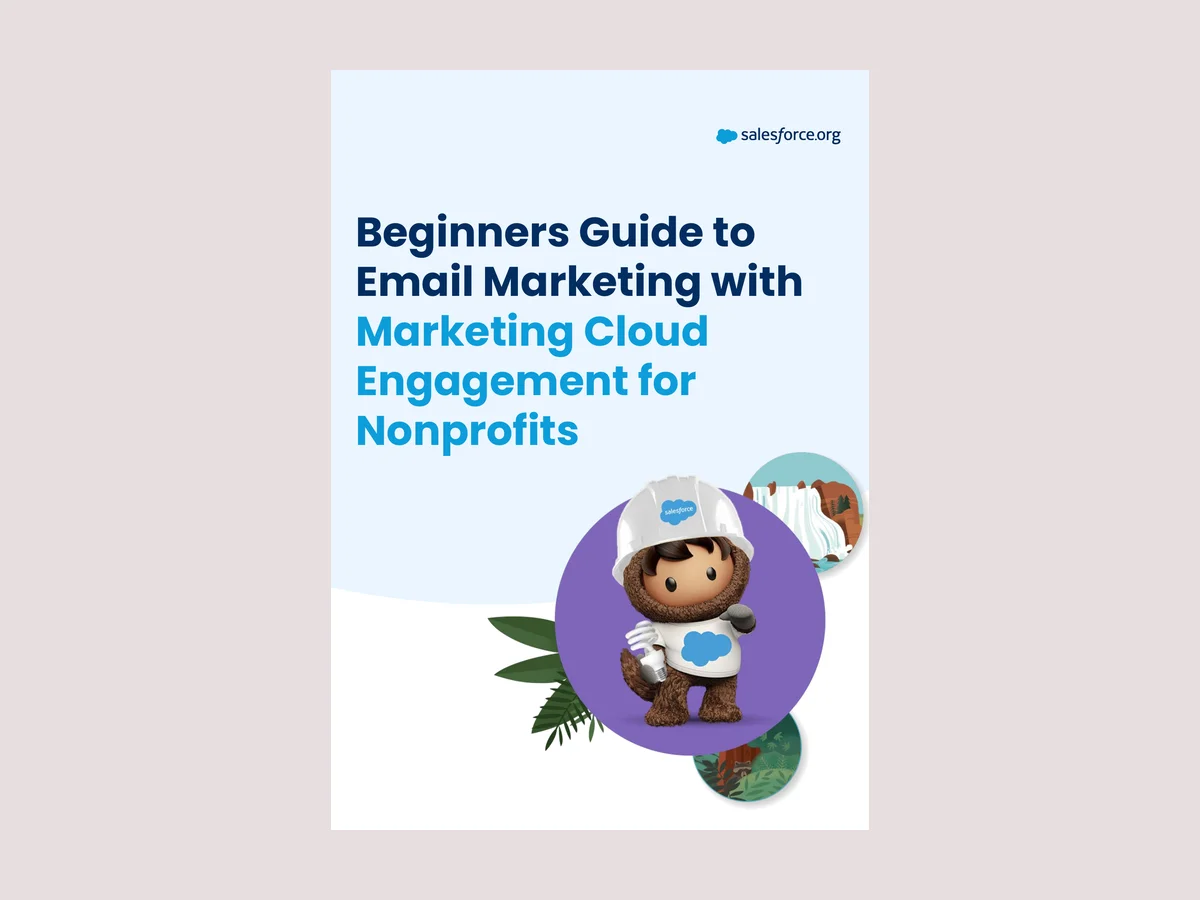
Beginners Guide to Email Marketing with Marketing Cloud Engagement for Nonprofits
I wrote the guide for nonprofit teams new to Marketing Cloud Engagement.
It walks them from first definitions through seven steps: understanding the tools, setting goals, choosing a call to action, defining segments, building and personalizing emails, testing, and sending and evaluating.
Open the guide (PDF)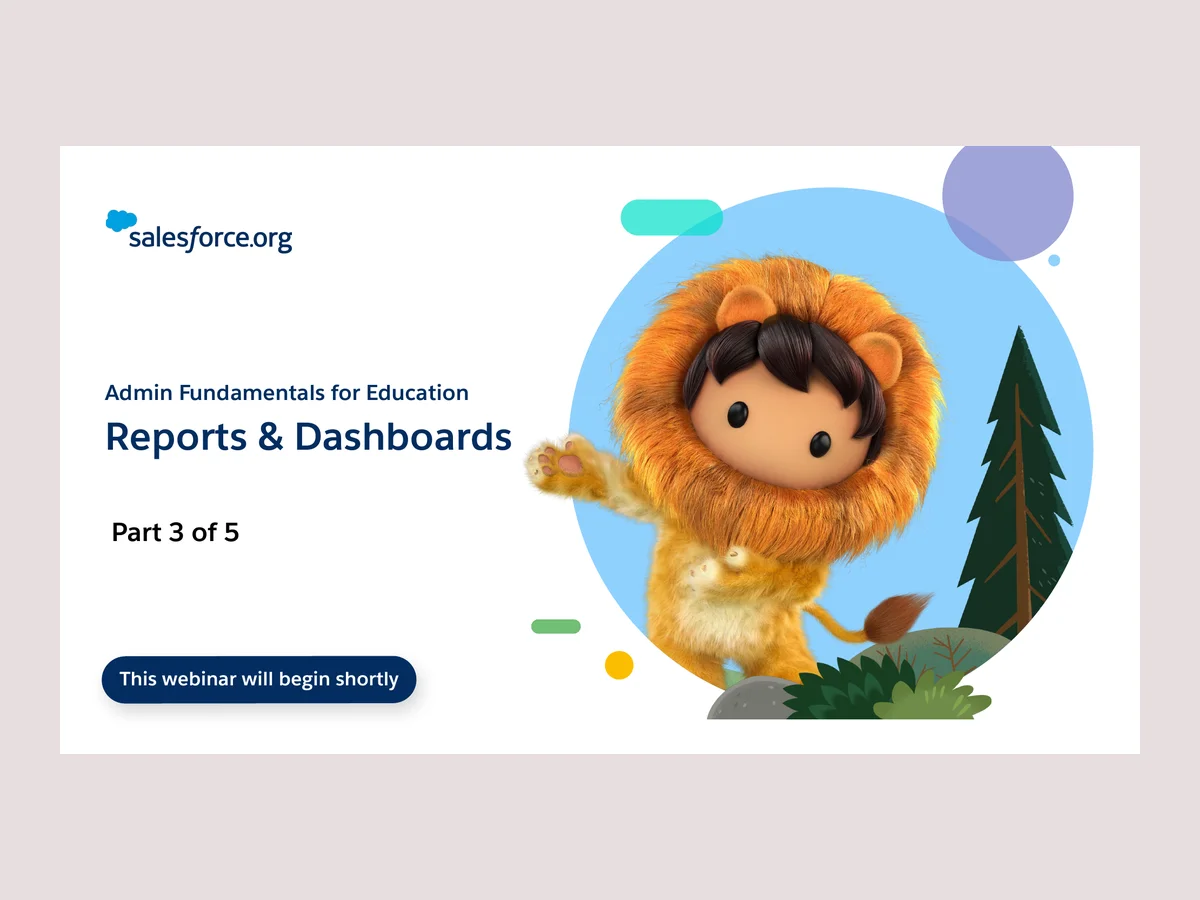
Salesforce for Education · Webinar deck · Part 3 of 5 · PDF
Admin Fundamentals for Education: Reports & Dashboards
I developed the deck for part three of the Admin Fundamentals for Education webinar series.
It teaches Education admins to build the reports and dashboards that turn their data into answers, one stop in a five-part journey from EDA basics to automating with Flow.
Open the deck (PDF)Results and impact
- 3.5/4.0 CSAT on my customer content.
- 39% increase in platform adoption — a team-wide result my product education supported, not one it produced alone.
Related Work

01/Walmart Connect
Bringing Structure to Complexity
Enterprise Content Strategy · Creative Operations · Governance
Developing frameworks, workflows, and recommendations to help teams plan, manage, and scale content more effectively.

03/Kicks & Fros
A Good Story Has Staying Power
Creative Strategy · Campaign Storytelling · Video Content
Bringing brand personality to life through memorable storytelling and campaigns that connected with audiences.